Healthcare
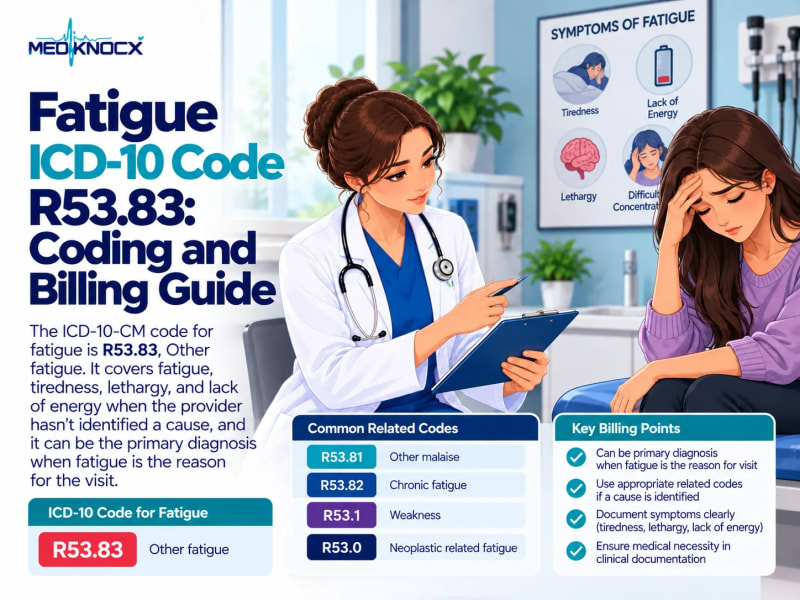
Fatigue ICD-10 Code R53.83: Coding and Billing Guide
R53.83 is the ICD-10 code for fatigue, tiredness, lethargy, and lack of energy. Learn R53.81 malaise, R53.82 c...

Oct 3, 2026
1 min read

Jordan Taylor
September 22, 2026
Table of Contents
16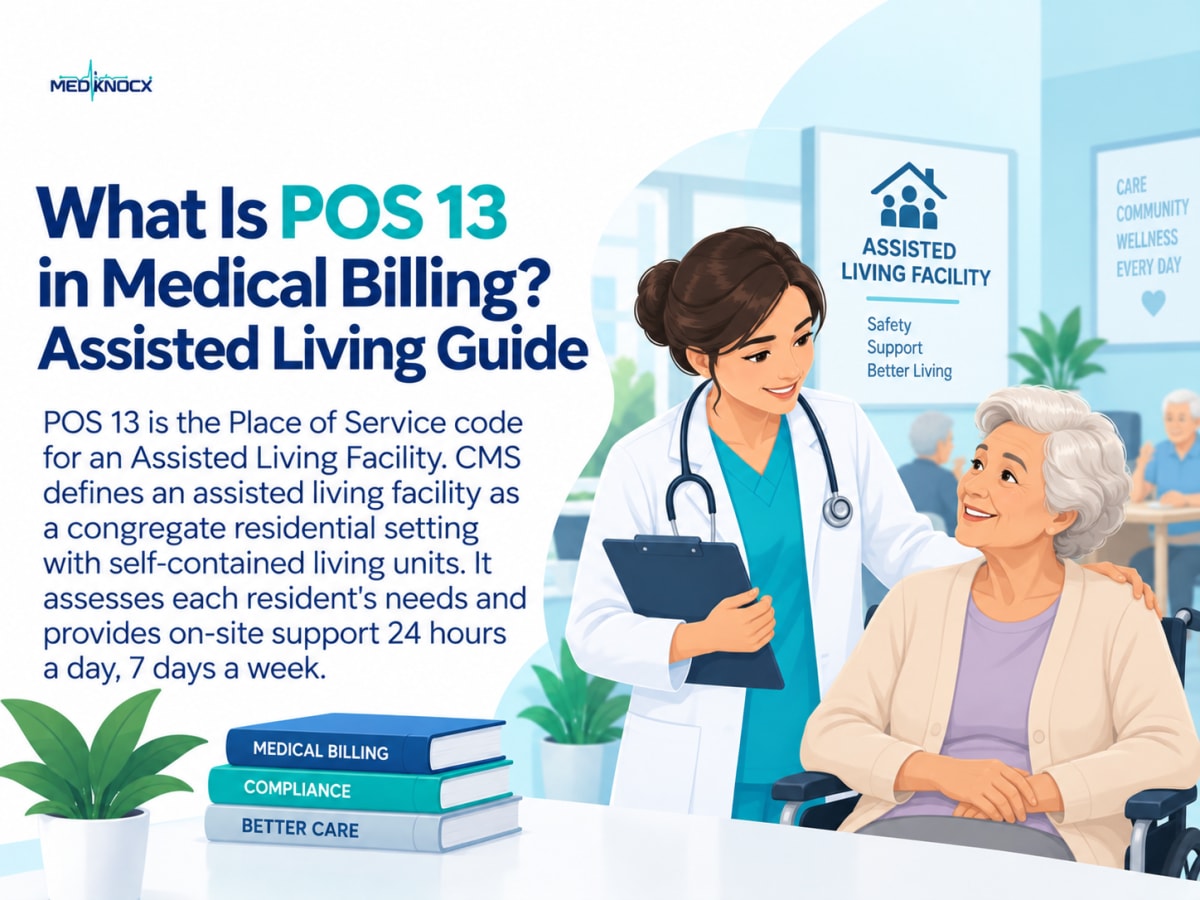
When a healthcare provider treats a patient in an assisted living facility, the claim needs to show where the service took place. POS 13 in medical billing identifies an assisted living facility as the place of service.
Using the correct POS code helps the payer understand the care setting. It also helps support accurate claim processing and reimbursement. POS 13 is different from POS 12, POS 14, POS 31, and other residential or facility-based codes.
In this guide, we explain what POS 13 means, when to use it, which E/M codes apply, common billing mistakes, and how to verify the code before submitting a claim.
POS 13 is the Place of Service code for an Assisted Living Facility.
CMS defines an assisted living facility as a congregate residential setting with self-contained living units. It assesses each resident's needs and provides on-site support 24 hours a day, 7 days a week. The facility must also have the capacity to provide or arrange certain health and other services.
In simple terms, POS 13 tells the payer that the healthcare service was provided to a patient in an assisted living facility.
The code is reported on professional claims when the setting meets the POS 13 definition.
POS 13 means:
Place of Service 13 = Assisted Living Facility
The important factor is the patient's actual care setting.
For example, a physician visits a patient who lives in an assisted living facility. The physician performs a medically necessary evaluation and management service. If the setting meets the definition of an assisted living facility, POS 13 can identify that location on the claim.
The POS code should match where the service was actually provided.
POS 13 is used when a covered professional healthcare service is provided in an assisted living facility.
Common examples include:
Evaluation and management services
Follow-up visits
Chronic condition management
Medical assessments
Other medically necessary professional services
The appropriate CPT or HCPCS code still depends on the service performed.
The POS code does not replace the procedure code. Instead, it provides additional information about the location of the service.
A physician visits an older adult who lives in an assisted living facility.
The physician evaluates the patient's chronic condition and develops a treatment plan.
The claim should report the appropriate service code and POS 13, assuming the location meets the applicable definition and payer requirements.
One important change happened on January 1, 2023.
CMS explains that the previous domiciliary, rest home, boarding home, and custodial care E/M family was merged with the home services family. These services are now reported using the Home or Residence Services CPT 99341 through 99350 family.
These codes can apply to several residential settings, including:
Home, POS 12
Assisted Living Facility, POS 13
Group Home, POS 14
Custodial Care Facility, POS 33
Residential Substance Abuse Treatment Facility, POS 55
The same CPT family can therefore be used across different settings. The POS code tells the payer which setting applies to the encounter.
The current new-patient codes include:
99341
99342
99344
99345
The established-patient codes include:
99347
99348
99349
99350
The correct level depends on the applicable E/M coding requirements, including medical decision-making or time when permitted.
POS 12 and POS 13 can both involve care provided outside a traditional medical office. The key difference is the patient's residence.
POS 12 identifies a private residence where the patient receives care.
POS 13 identifies an assisted living facility.
CMS maintains separate definitions for these locations.
A patient may live in an apartment or private home and receive a home visit. Another patient may live in an assisted living community and receive care there.
These are different POS settings.
The biller should select the POS code that accurately represents the location of the encounter.
POS 14 represents a Group Home, while POS 13 represents an Assisted Living Facility.
CMS describes a group home as a residence with shared living areas where clients receive supervision and services such as social, behavioral, custodial, or minimal services.
Do not select POS 14 simply because multiple residents live at the location. The facility must meet the applicable definition.
Assisted living facilities should also be distinguished from nursing facilities.
These settings have different POS codes because they represent different care environments.
A patient receiving services in an SNF should not automatically be assigned POS 13 just because the patient lives in a residential facility.
The actual location and applicable billing rules should determine the POS code.
Accurate POS 13 billing starts with confirming the service location.
Verify that the patient was receiving care in an assisted living facility.
Review what the provider actually performed during the encounter.
Choose the code that accurately represents the service.
For applicable E/M services in home or residence settings, the 99341–99350 family is currently used.
Enter POS 13 when the encounter occurred in an assisted living facility that meets the applicable definition.
Make sure the medical record supports the service billed.
Medicare, Medicaid, and commercial payers can have specific billing policies. Review the applicable payer guidance before submitting the claim.
After submission, monitor the claim for rejections, denials, or requests for additional information.
Documentation should clearly support the service that was provided.
Depending on the service and payer requirements, the record may include:
Date of service
Patient information
Location of service
Reason for the encounter
Relevant clinical information
Assessment
Treatment plan
Medical decision-making
Time documentation when applicable
Provider information
The documentation should support the CPT or HCPCS code reported on the claim.
It should also be consistent with the reported POS.
Incorrect place of service reporting can create claim problems.
Here are common mistakes billers should watch for.
A provider may accidentally report POS 12 because the patient receives care in a residential setting.
However, an assisted living facility and a private home are different POS categories.
Group homes have their own POS code. Do not use POS 14 simply because the facility has shared living areas.
Assisted living, skilled nursing facilities, and nursing facilities have separate POS codes.
The E/M code structure changed in 2023.
CMS states that CPT codes 99324–99337 were removed when the home or residence E/M families were merged into CPT 99341–99350.
The claim should accurately identify where the service occurred.
A correct POS code does not guarantee payment. Payer-specific coverage, coding, and documentation rules can also affect claim processing.
Use this quick checklist before submitting an assisted living claim:
1. Confirm the location
Was the patient actually seen in an assisted living facility?
2. Confirm the facility type
Does the setting meet the definition of POS 13?
3. Confirm the service
Does the CPT or HCPCS code match the service performed?
4. Review the documentation
Does the medical record support the billed service?
5. Verify the POS
Is POS 13 appropriate for the actual location?
6. Check payer policy
Does the payer have additional requirements?
7. Scrub the claim
Check for coding, demographic, authorization, and claim-form errors before submission.
This simple process can help reduce avoidable claim errors.
POS information can affect how a payer processes a professional claim because it identifies where the service was provided.
CMS's Medicare Claims Processing Manual lists POS 13 as a non-facility setting for its payment methodology.
However, reimbursement should not be assumed from the POS code alone.
The final payment can depend on factors such as:
Payer
Benefit coverage
CPT or HCPCS code
Modifier requirements
Medical necessity
Provider participation
Contract terms
Applicable Medicare rules
Documentation
For this reason, billers should verify the applicable payer policy for the service.
POS 13 is recognized in Medicare professional claim coding.
For home or residence E/M services, CMS currently identifies POS 13 as one of the settings where the 99341–99350 code family can be used.
CMS also lists POS 13 as an assisted living facility in its current Place of Service Code Set.
When billing Medicare, providers should also check the applicable Medicare Administrative Contractor guidance and current Medicare billing instructions.
Correct POS reporting gives the payer an accurate picture of the encounter.
For an assisted living visit, POS 13 helps connect three important pieces of claim information:
Where the patient was seen → What service was provided → How the service should be processed
When these details are consistent, the claim has clearer coding information.
Incorrect POS reporting can contribute to claim rejections, denials, payment issues, or additional review.
POS 13 in medical billing identifies an Assisted Living Facility as the place where a healthcare service was provided.
The most important step is to verify the actual service location before submitting the claim.
For applicable home or residence E/M services, CMS currently uses the 99341–99350 family across several residential settings, including POS 13.
Biller teams should also distinguish POS 13 from POS 12, POS 14, POS 31, and POS 32. Most importantly, always check the current payer requirements for the specific service.
POS 13 is the Place of Service code used to identify an Assisted Living Facility on a professional claim.
Place of Service 13 means the healthcare service was provided in an assisted living facility that meets the applicable POS definition.
Yes. CMS identifies POS 13 specifically as Assisted Living Facility.
POS 12 represents a private home. POS 13 represents an assisted living facility.
For applicable home or residence E/M services, CPT 99341–99350 can be reported with POS 13. CMS confirms that the same code family applies across several residential settings.
No. CMS states that the former domiciliary, rest home, and custodial care E/M codes 99324–99337 were removed when the E/M families were merged into the Home or Residence Services family beginning January 1, 2023.
No. POS 13 identifies the service location. Payment depends on the applicable payer rules, service code, coverage, medical necessity, documentation, and other claim requirements.
Yes. POS 13 is part of the Medicare Place of Service code set and is used to identify assisted living facility services on applicable professional claims.
Explore more medical billing guides, coding updates, and revenue cycle tips.
R53.83 is the ICD-10 code for fatigue, tiredness, lethargy, and lack of energy. Learn R53.81 malaise, R53.82 c...
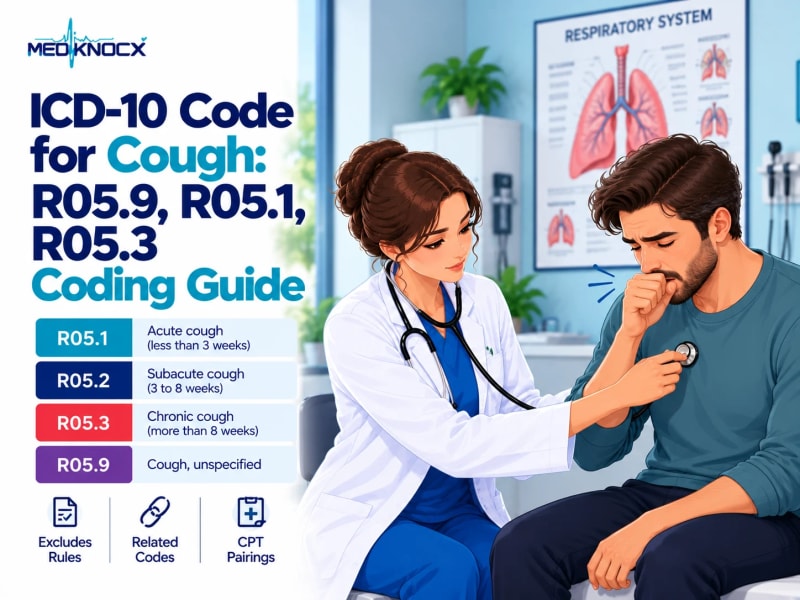
ICD-10 codes for cough by duration: R05.1 acute, R05.2 subacute, R05.3 chronic, R05.9 unspecified. Plus Exclud...
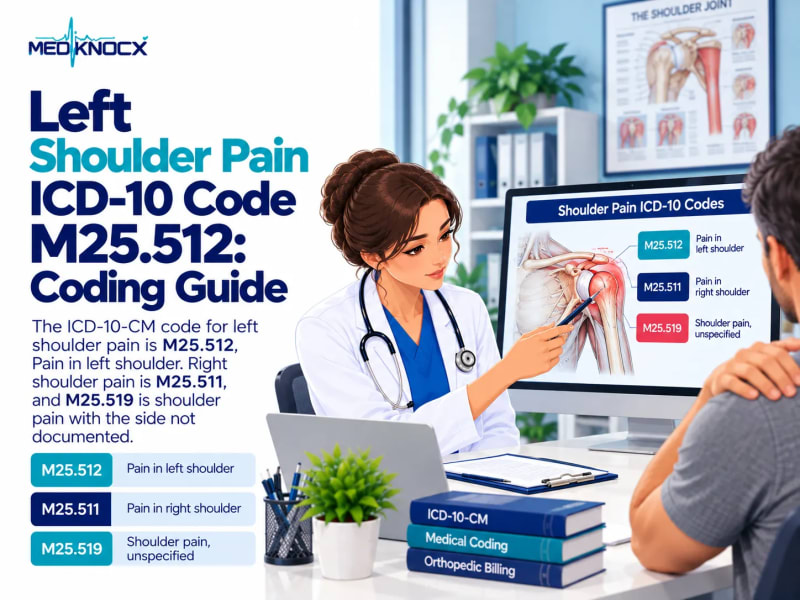
M25.512 is the ICD-10 code for left shoulder pain. See M25.511, M25.519, bilateral coding, scapula and clavicl...