Healthcare
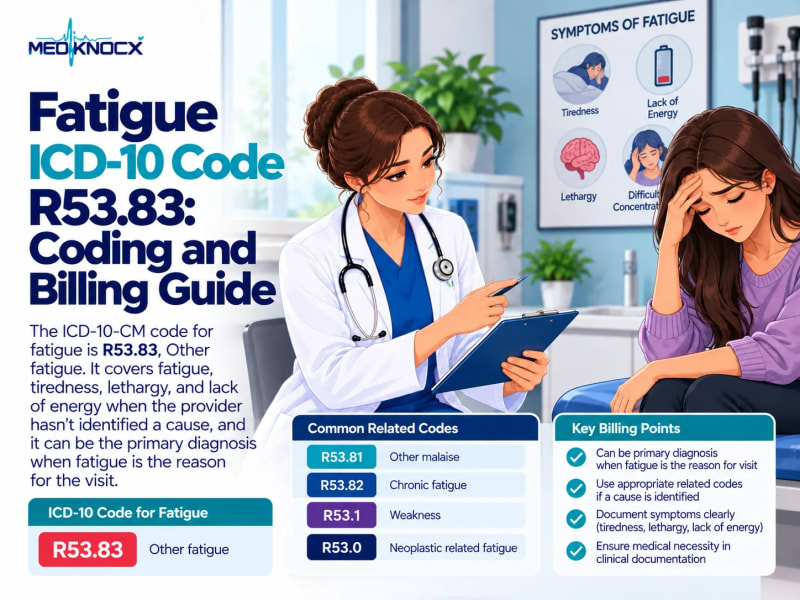
Fatigue ICD-10 Code R53.83: Coding and Billing Guide
R53.83 is the ICD-10 code for fatigue, tiredness, lethargy, and lack of energy. Learn R53.81 malaise, R53.82 c...

Oct 3, 2026
1 min read

Jordan Taylor
September 15, 2026
Table of Contents
11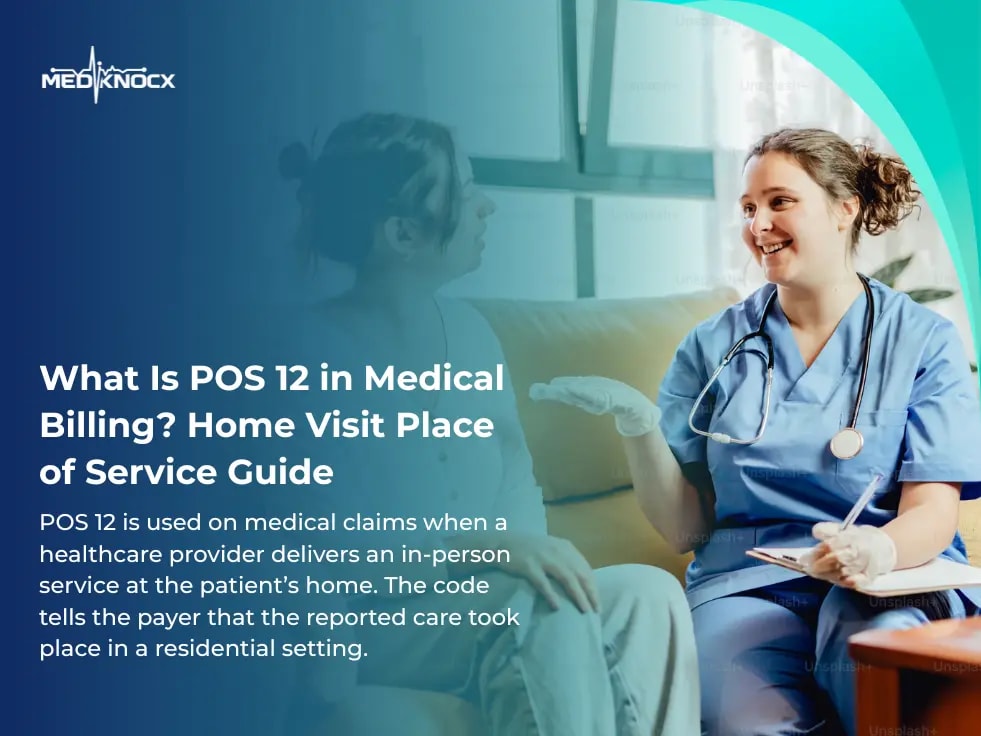
POS 12 is used on medical claims when a healthcare provider delivers an in-person service at the patient’s home. The code tells the payer that the reported care took place in a residential setting.
Using the correct place of service is an important part of medical billing. POS 12 helps payers identify where the service happened and apply the appropriate billing and reimbursement rules.
Home-based care can include eligible evaluation and management services, wound care, palliative care, and other healthcare services. The CPT code identifies the service performed, while POS 12 identifies the location.
POS 12 is the CMS Place of Service Code for Home.
It is reported when an eligible healthcare service is provided at the patient’s residence. The provider must be physically present with the patient for an in-person service.
For example, a physician may visit a patient at home to provide an evaluation and management service. The appropriate CPT code describes the service, while POS 12 reports that the service took place at home.
The place of service should always match the actual location of care.
CPT codes and POS codes serve different purposes.
CPT code: Identifies the service performed.
POS 12: Identifies where the service was performed.
Both should be supported by the medical record.
For example, a qualifying home visit may require a home visit CPT code along with POS 12 on the professional claim.
POS 12 is used when healthcare services are provided in the patient’s home.
Common examples may include:
In-person home visits
Certain evaluation and management services
Eligible wound care services
Palliative care
Certain behavioral health services
Other covered home-based healthcare services
The exact services covered can depend on the payer and the patient's coverage.
A billing team should check the applicable payer rules before submitting a home-based claim.
POS 12 applies to a patient's home or residence.
The important factor is the actual location where the provider delivered the service.
A private residence and a healthcare facility are not treated the same way for place of service reporting.
For example:
The billing team should select the code based on the actual care setting.
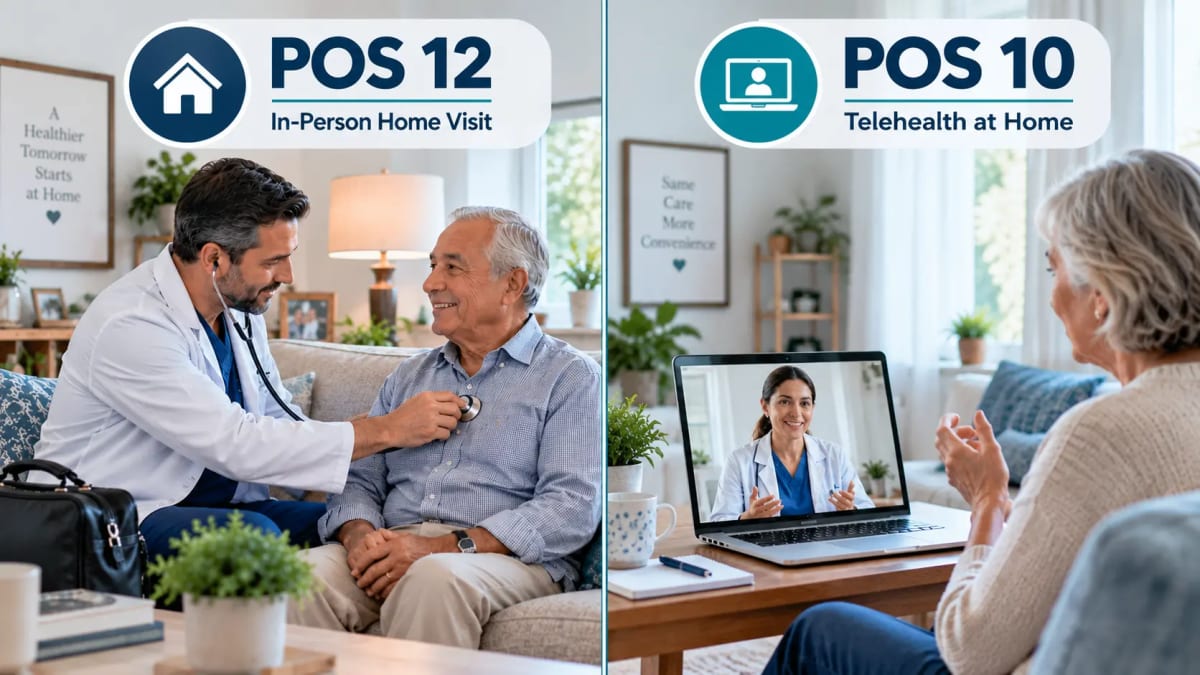
POS 12 vs. POS 10
POS 12 and POS 10 are easy to confuse because both involve the patient being at home.
The difference is how the service is delivered.
POS 12 is used when the provider physically visits the patient's home.
POS 10 is used when the patient receives healthcare through telehealth while located at home.
For example, a physician traveling to the patient's residence for an in-person visit may report POS 12.
If the physician speaks with the patient through a video or other qualifying telehealth service while the patient remains at home, POS 10 may apply.
The medical record and claim should clearly support the reported setting.
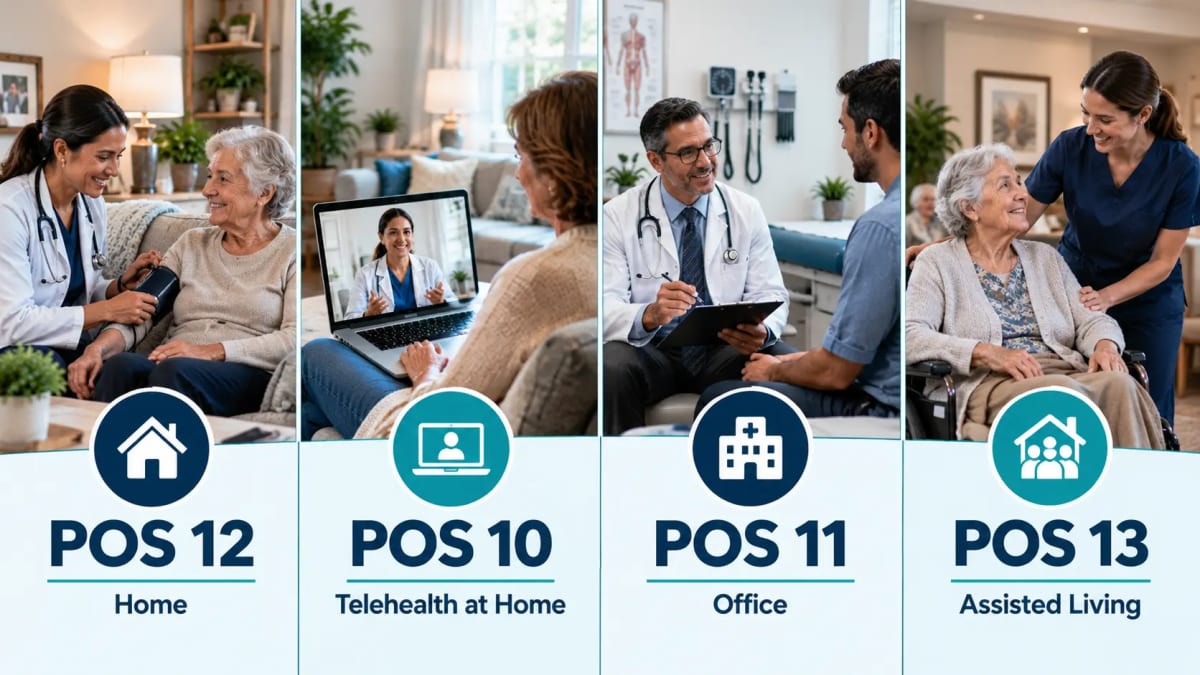
POS 11 represents an office, while POS 12 represents a home.
If the patient travels to the physician's office for an appointment, the service may be billed with POS 11.
If the provider travels to the patient's residence and performs the service there, POS 12 may apply.
The same type of healthcare service can sometimes be performed in different settings. That is why the actual service location matters when completing the claim.
POS 13 represents an assisted living facility.
It should not be automatically treated as POS 12 simply because the patient lives there.
If the provider performs the service inside an assisted living facility, the appropriate facility POS code should be reported.
The billing team should confirm the patient's actual location before selecting the place of service.
Home Visit CPT Codes for POS 12
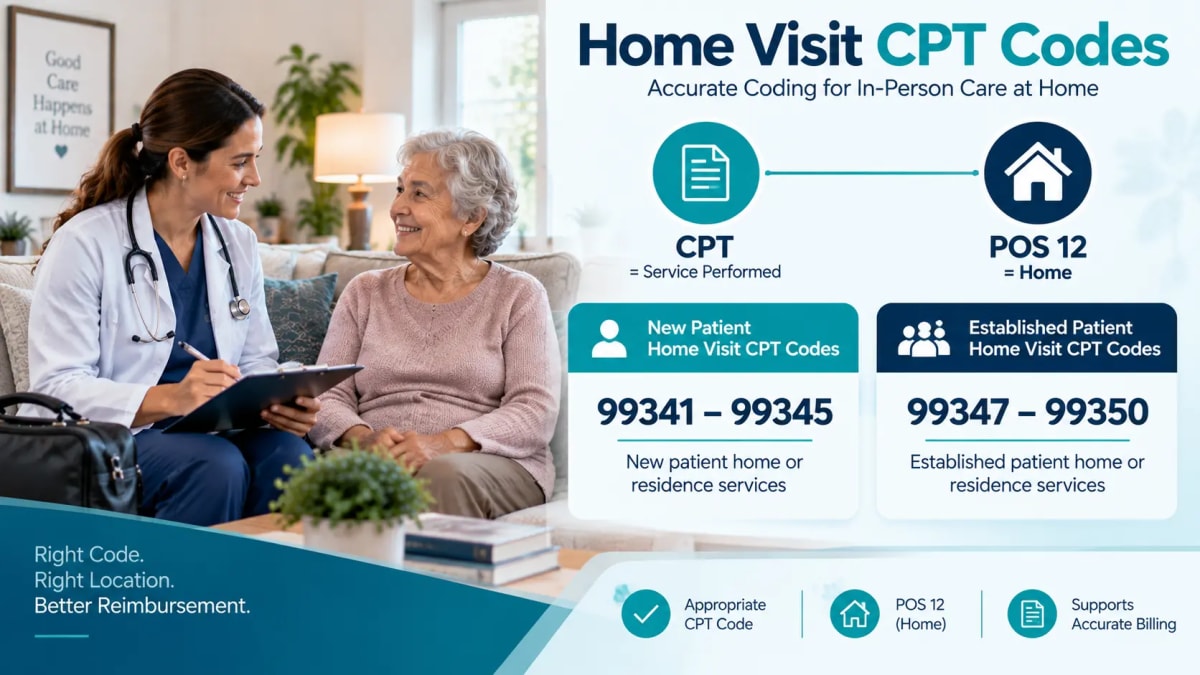
POS 12 identifies the location. The CPT code identifies the service.
For home visit evaluation and management services, the commonly referenced code ranges include:
99341–99345 are home or residence evaluation and management codes for new patients.
The appropriate code depends on the service and applicable CPT coding requirements.
99347–99350 are home or residence evaluation and management codes for established patients.
The correct code should be selected based on the documented service and current coding guidance.
Do not choose a CPT code simply because POS 12 is being used. The documentation must support the service reported on the claim.
Documentation Requirements for POS 12
Complete documentation helps support a POS 12 claim.
The medical record should clearly support the service performed and the location where it occurred.
Depending on the service and payer, documentation may include:
Date of service
Patient information
Reason for the visit
Service location
Patient assessment
Services performed
Medical necessity
Treatment or care provided
Provider information
CPT code support
Other required clinical details
The claim and medical record should tell the same story.
For example, if the claim reports POS 12 but the documentation indicates that the patient was treated in an office, the payer may question the claim.
Medical necessity is an important part of home visit documentation.
The medical record should support why the service was provided and why the reported care was appropriate for the patient.
Requirements can vary by payer and service.
Billing teams should review the documentation before claim submission. This can help identify missing information before it becomes a denial.
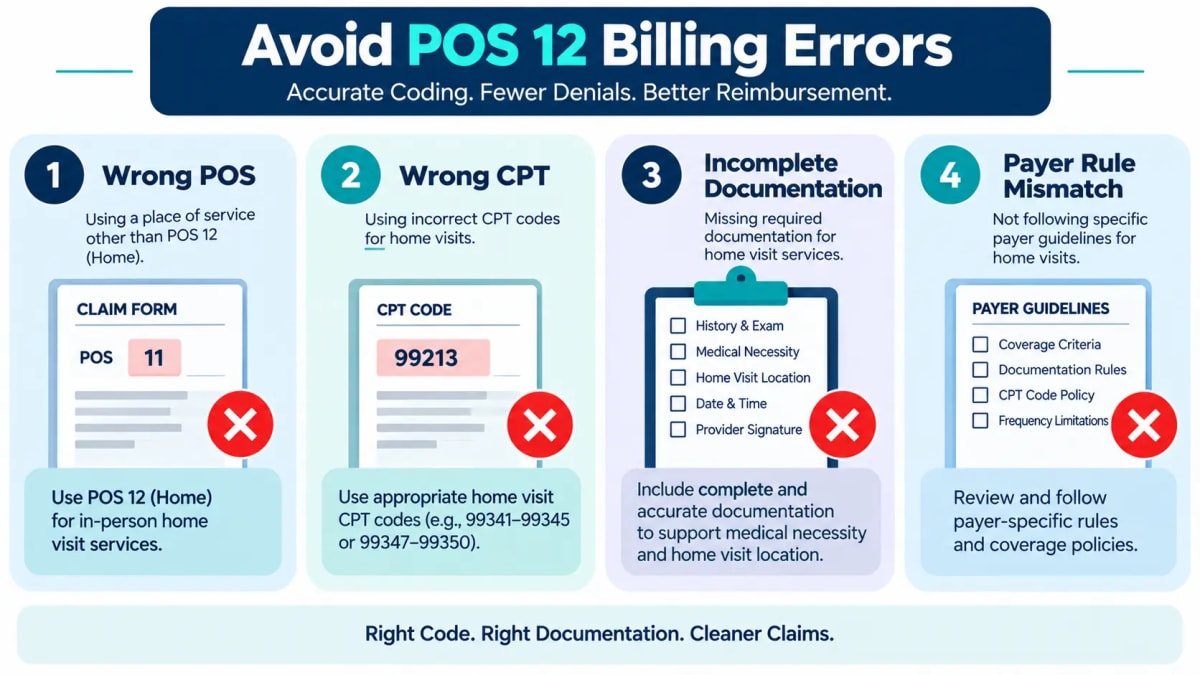
Incorrect place of service reporting can cause claim problems. Here are some common mistakes.
A provider performs a service at the patient's home, but the claim is submitted with POS 11.
This makes the claim appear to have been performed in an office.
POS 10 is associated with telehealth services provided to a patient at home.
If the provider physically visits the patient's residence, POS 12 may be the appropriate code.
An assisted living facility is not the same as a private home for POS reporting.
The billing team should verify the setting before submitting the claim.
POS 12 does not determine the CPT code.
The CPT code must describe the actual service provided and be supported by the documentation.
Missing service details or insufficient medical necessity information can create claim problems.
Documentation should support the reported service and location.
Payers can have different requirements for home-based services.
Submitting a claim without checking the applicable rules can increase the risk of rejection or denial.
How to Avoid POS 12 Denials
A simple review process can help prevent many billing errors.
Confirm where the provider actually performed the service.
Do not select POS 12 simply because the patient normally receives home-based care.
Make sure the CPT code matches the service documented in the medical record.
Check that the documentation supports the service, location, and medical necessity.
Review the current requirements for the specific payer and service.
A pre-submission review can catch incorrect POS codes, CPT codes, and missing documentation.
Keep track of POS-related denials.
If the same problem appears repeatedly, review the billing workflow and staff training.
Start by reviewing the payer's denial reason.
Do not simply resubmit the claim without identifying the problem.
Follow these steps:
Review the remittance advice.
Identify the denial reason.
Check the POS code.
Verify the actual service location.
Review the CPT code.
Compare the claim with the medical record.
Check the payer's requirements.
Correct the claim when necessary.
Resubmit or appeal based on the payer's instructions.
Track the denial for future analysis.
This process can help determine whether the problem came from coding, documentation, location reporting, or payer requirements.
Medical practices can improve home visit billing by following a consistent process.
Verify the location before the claim is submitted.
Use POS 12 when the service qualifies for the home place of service.
Select the CPT code based on what the provider actually performed.
Make sure the medical record supports the service and medical necessity.
Check important billing details before claims are sent to the payer.
Track POS 12 denials to identify recurring problems.
Make sure billing and coding staff understand current payer requirements and place of service rules.
POS 12 is a small part of a medical claim, but it provides important information to the payer.
It identifies the setting where the healthcare service took place.
When the POS code, CPT code, documentation, and payer requirements are consistent, the claim has a stronger foundation for accurate processing.
Incorrect POS reporting can result in claim delays, payment issues, or additional payer review.
For practices that provide home-based care, reviewing POS 12 claims before submission can help reduce avoidable billing problems.
If your practice is experiencing recurring home visit denials, Mediknocx Denial Management Services can help identify recurring claim issues. You can also use a Medical Billing Audit to review coding, documentation, and billing workflows.
For related place of service information, read our guides on POS 10 in Medical Billing and POS 21 in Medical Billing.
Need help with home visit billing? Contact Mediknocx to discuss your medical billing needs.
POS 12 is used on medical claims when a healthcare provider delivers an in-person service at the patient's home. It identifies the home as the place where the service occurred.
Common home or residence evaluation and management codes include 99341–99345 for new patients and 99347–99350 for established patients. The correct code depends on the service and current coding requirements.
No. POS 12 is used for in-person care provided at the patient's home. POS 10 is used for qualifying telehealth services when the patient is located at home.
POS 12 identifies a home setting. POS 11 identifies an office setting. The correct code depends on where the service was actually provided.
POS 12 is used for eligible healthcare services provided at a patient's home. It is commonly associated with qualifying home visits and other home-based services.
POS 13 is the Place of Service code for an assisted living facility. It is different from POS 12, which represents the home setting.
The reported place of service can affect claim processing and reimbursement. Payment depends on factors such as the payer, service, CPT code, coverage, and applicable fee schedule.
Providers can reduce avoidable errors by verifying the service location, using the appropriate CPT and POS codes, maintaining complete documentation, checking payer requirements, and reviewing denial patterns.
Explore more medical billing guides, coding updates, and revenue cycle tips.
R53.83 is the ICD-10 code for fatigue, tiredness, lethargy, and lack of energy. Learn R53.81 malaise, R53.82 c...
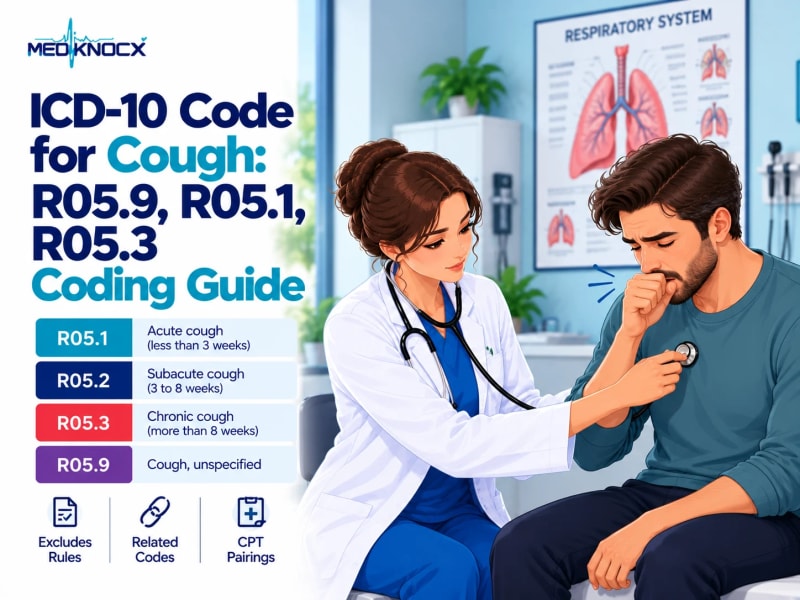
ICD-10 codes for cough by duration: R05.1 acute, R05.2 subacute, R05.3 chronic, R05.9 unspecified. Plus Exclud...
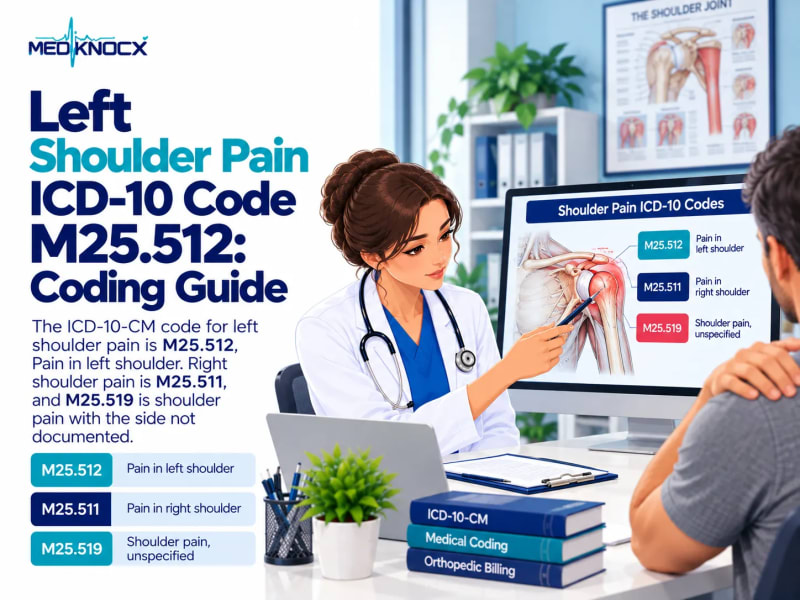
M25.512 is the ICD-10 code for left shoulder pain. See M25.511, M25.519, bilateral coding, scapula and clavicl...